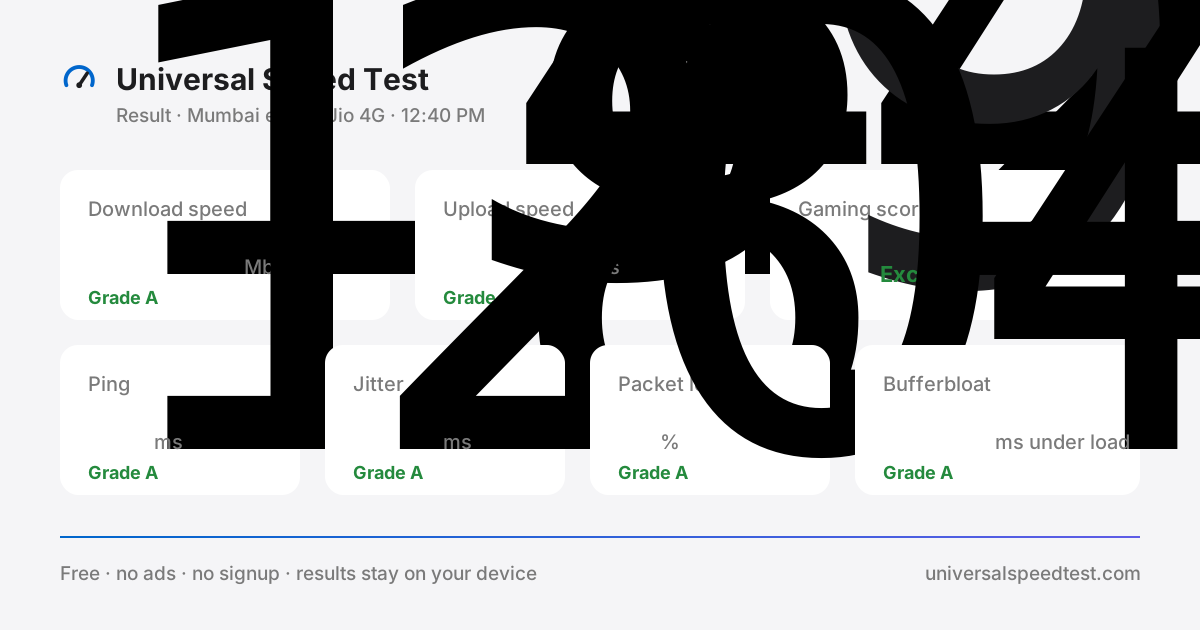
Universal Speed Test is a free, browser-based internet speed test built around one honest question: is your connection delivering what you actually pay for? About twenty seconds after you press start you get six measurements — download speed, upload speed, ping, jitter, packet loss and bufferbloat — each graded against thresholds we publish in full, then translated into plain-English verdicts for gaming, streaming, video calls and backups. Nothing to install, no account to create, no advertising. The whole universal speed test runs on your device and your results never leave it.
What this internet speed test measures
Six numbers, and each one answers a different question. Download speed tells you how fast the line pulls data down — page loads, HD and 4K streams, game updates and phone backups. Upload speed is how fast you send data out: video-call video, cloud backups and shared files, and it is usually the first thing to starve when a call freezes. Ping is the round-trip time of a tiny packet, the delay between your button press and the server hearing it. Jitter measures how much ping varies between samples — a steady 60 ms feels far better than a line flipping between 20 and 90. Packet loss is the share of data that never arrives and has to be sent again. Bufferbloat is your ping while the connection is busy, which is why a match stutters the moment somebody starts a download. Every one of these network speed test metrics is explained with healthy ranges in the metrics section.
One network speed test, fair to every provider
Your provider does not change how this tool works. Every run uses the same method: four parallel streams to the nearest Cloudflare edge — Mumbai, Chennai, Delhi and hundreds of other cities — twenty latency probes, a timed upload, and continuous latency sampling while the line is saturated. That consistency is what makes a Jio speed test directly comparable with an Airtel speed test, a Vi speed test or a BSNL speed test — and what makes results from ACT, Hathway or any broadband provider worldwide equally valid. The ISP pages add the context: what your specific network should look like when it is healthy, the usual suspects behind bad numbers, and fixes to try before you call support.
A WiFi speed test that finds the weak link
Most “slow internet” complaints are not the ISP at all — they are the last few metres. Run this WiFi speed test standing next to the router, then again from the room where you actually work or play. If the near-router result matches your plan and the far-room result collapses, the problem is walls, bands or placement, not your subscription. Plug in by ethernet and you get a third reading that isolates the line itself. Doing the same comparison on mobile data tells you whether Wi-Fi or the mobile network is the weak link. Three runs, three minutes, and you know exactly what to fix: a router move, the 5 GHz band, a mesh node, or a support ticket with evidence attached.
A verdict, not just a table of numbers
A speed test that stops at six numbers leaves you guessing. This one grades each metric, scores your connection for online gaming using published weights, and shows what the result means for the things you actually do: 4K streaming, competitive gaming, cloud gaming, video calls and large backups. If the gaming internet test comes back Excellent, your network will not be the reason you lose a fight. If streaming keeps buffering, the upload and bufferbloat tiles usually explain it in one glance. The same instrument runs on every ISP page and every game-specific guide, so the verdict follows you around the site.
Built mobile-first, private by design
Most people run a speed test on a phone, so this one is designed for a 4G and 5G screen first: large tap targets, no pinch-zooming, and a test that stops itself early on slow lines instead of burning through your data. The site is static files served from a CDN, which is why it still loads quickly when the network is struggling. There are no cookies, no analytics and no accounts. Your latest result is kept in your browser’s local storage so you can compare a morning run with an evening one, and it disappears the moment you clear your browser data.
How to get a result you can trust
Close the streaming tab and pause the downloads. Connect by ethernet if you can, or stand within a few metres of the router on 5 GHz. Turn off any VPN. Run the test once to warm the connection and once more for the number you record. Repeat at two different hours — morning and 9 PM — because evening congestion changes everything on shared mobile towers and busy broadband exchanges. And test the network you actually care about: Wi-Fi off means you are measuring your SIM, Wi-Fi on means you are measuring the router. Keep both results; the gap between them is the diagnosis.
Start your free speed test
Press start above and you will have your numbers before the kettle boils. If you would rather see what your specific network should deliver first, pick your provider: the Jio speed test, Airtel speed test, Vi speed test or BSNL speed test, or browse every ISP speed test we publish. Gamers can jump straight to the gaming test for ping, jitter and packet loss scored against published thresholds — and when you are ready, the universal speed test itself is one tap away.
 Jio speed test
 Airtel speed test
 Vi speed test
 BSNL speed test